Record the request, current approver, submitted version, status, and next follow-up date. Append each submission, return, or resubmission to the same record so anyone can pick up the request at the right step.
What should an approval tracker contain?
Use four statuses to start: ready to submit, under review, returned for changes, and approved. A request for more detail needs an owner and a specific missing item before the status changes.
Keep the file version beside the decision. If an approver replies “looks good,” confirm which version they reviewed and save the dated reply with that version.
Example: a quote comes back for changes
An operations coordinator submits Q-17 v1 on Monday. Finance returns it on Tuesday because the line items are missing. On Wednesday they submit v2, set a Thursday afternoon follow-up, and preserve Tuesday’s reason in the record.
If Finance confirms the amount but has a question about tax, keep that question open. The Thursday follow-up can ask for one decision and include the v2 link.
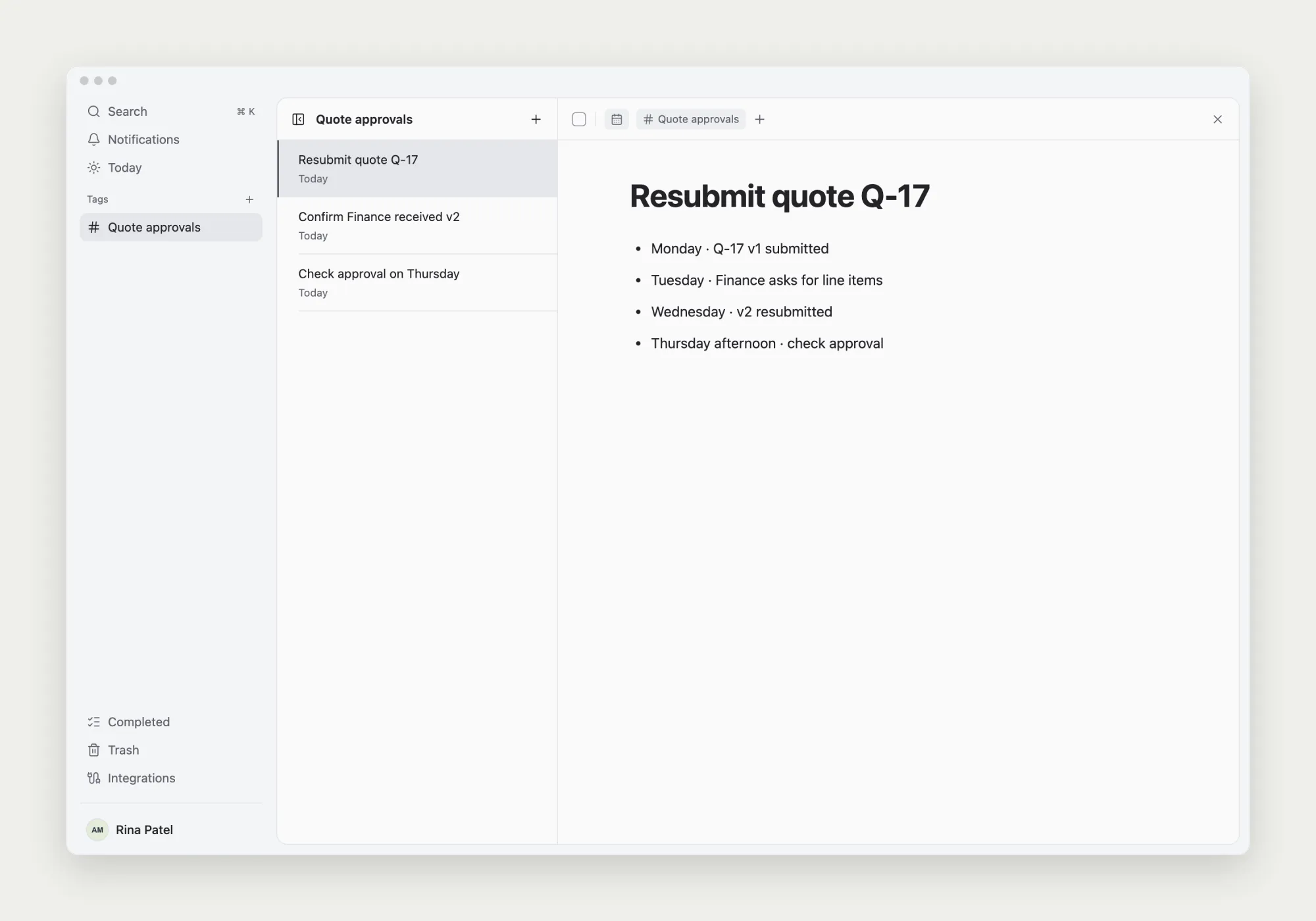
In TodoNote, keep the quote, revisions, and replies in the approval task’s note. Give “Confirm Finance received v2” its own date, focusing the follow-up list on the person who has the request now.
Once approval arrives, log the date and approved version. If someone still needs to send the quote, add a separate delivery task and keep the approval reply with the record.
Copy the template
Follow a quote through two submissions with a record of who has it, which version they have, and when to follow up.
Use one version per review round. When you replace an attachment, keep the previous version or number so past feedback stays traceable.
Request and ID:
Current approver:
Submission date, version, and link:
Current status:
Return reason and revision owner:
Follow-up date and question:
Approved version and confirmation:For a related workflow, see GTD Waiting For List: A Template for Replies and Follow-Ups.