Put context you need while doing the work in the TickTick task description. Use a note for reference you want to find on its own. Use a subtask for a piece of work you want to track separately, such as checking the scope before pricing.
Three places for three kinds of information
A description can contain requirements, links, or a draft alongside the task’s due date. TickTick’s task editor also offers check items. They work well for small steps you check while the parent task is open. TickTick task details
A standalone note can live in a Note List. Use one for facts that will help with several proposals, such as what the client means by a round of revisions. Give it a title you would look for after this job ends. TickTick notes and lists
Put a deliverable with its own completion state into a subtask. If it needs separate scheduling, open the subtask and check that its date is visible independently in the view you rely on. TickTick’s task hierarchy
Try it with a single proposal
Samira needs to quote a landing page with one revision round. She writes that constraint and the request link in the proposal’s description. “Confirm which copy the client supplies” becomes a separate step because the estimate depends on the answer.
She keeps a reference note about what a revision round covers. When the client narrows the scope, she also records the reason beside this quote so the original decision is easy to trace.
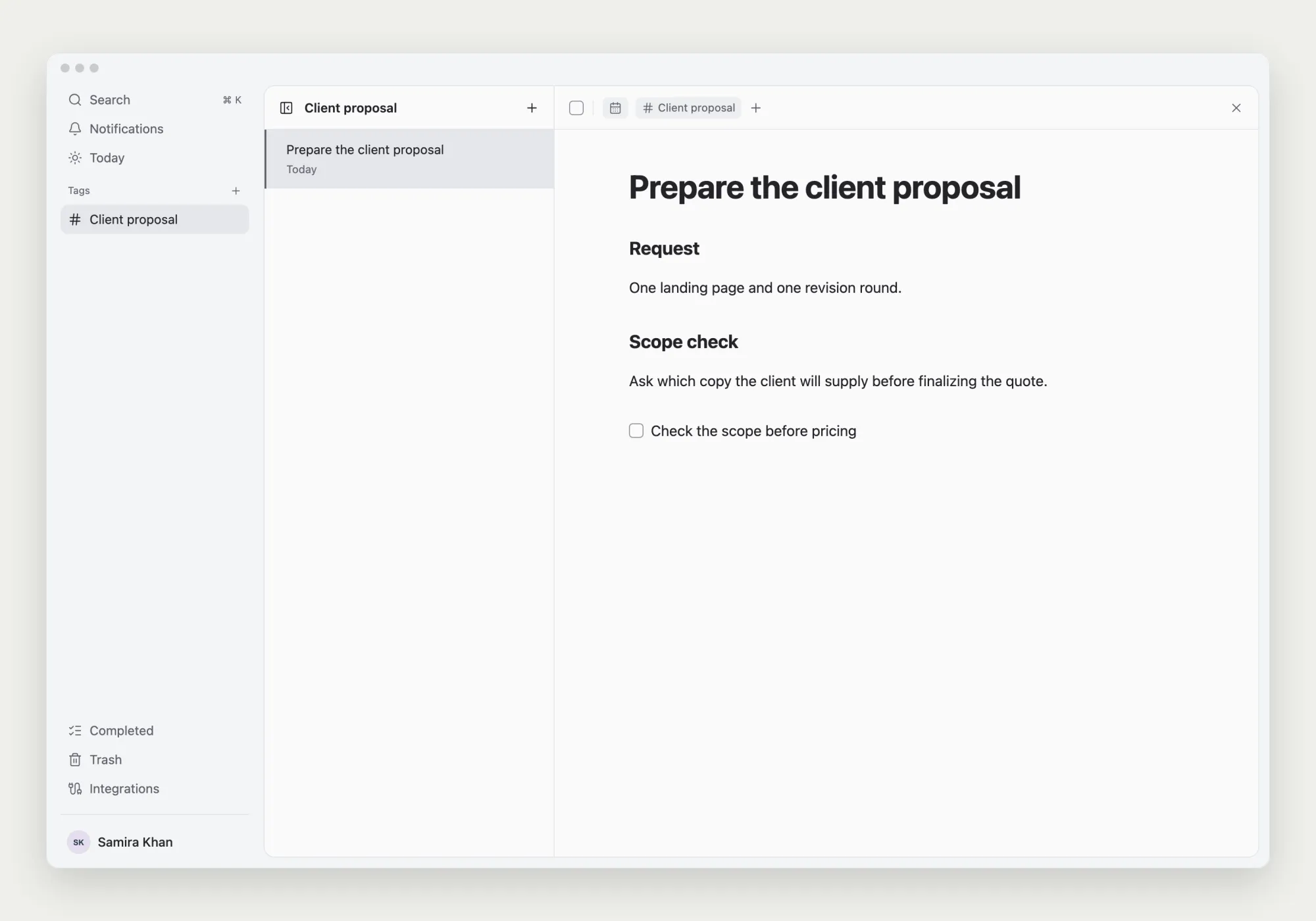
In TodoNote the proposal task itself opens into a note. Samira keeps the exact scope there and creates a subtask for the check that needs its own schedule. The proposal tag lets her return to the record after delivery.
Check three actions before choosing a setup
| When | What to check |
|---|---|
| Before work | Open the proposal and find the scope in one place |
| During work | Find the dated check and complete it independently |
| After delivery | Find the quote decision by title or tag |
A detail that is useful only when the proposal is open can stay in the description. A detail you expect to reuse should be findable from a reference list or a stable topic tag.
Before moving several projects, run the test with one proposal in the tools you are comparing. Use the same requirement, follow-up date, and piece of reference material in each.
See how a task manager with notes keeps work and its context together for a longer example.