Copy the transcript into your AI tool, then ask it to separate explicit commitments, undecided ideas, and background. Review the suggested list against the recording before creating any tasks. Keep the source excerpt with each action so you can tell which words led to it.
Copy the transcript
Open the recording in Voice Memos, tap the More menu, and choose the option to copy the transcript. To use a portion, open the transcript and select the relevant passage. Availability varies by iPhone model, language, and region. Apple’s Voice Memos transcription guide
Read names, file names, and relative dates against the audio. Keep the recording date nearby if it says “tomorrow.” You can leave a date blank when the speaker is only considering it.
Try it with a short site visit memo
Send the loading-door photo to Jo tomorrow. We could also redo the signage. Jo said the loading bay opens at eight.
The photo is a commitment. Redoing the signage is an idea, and the opening time is reference information. Use the opening time in a related note if it affects a planned visit.
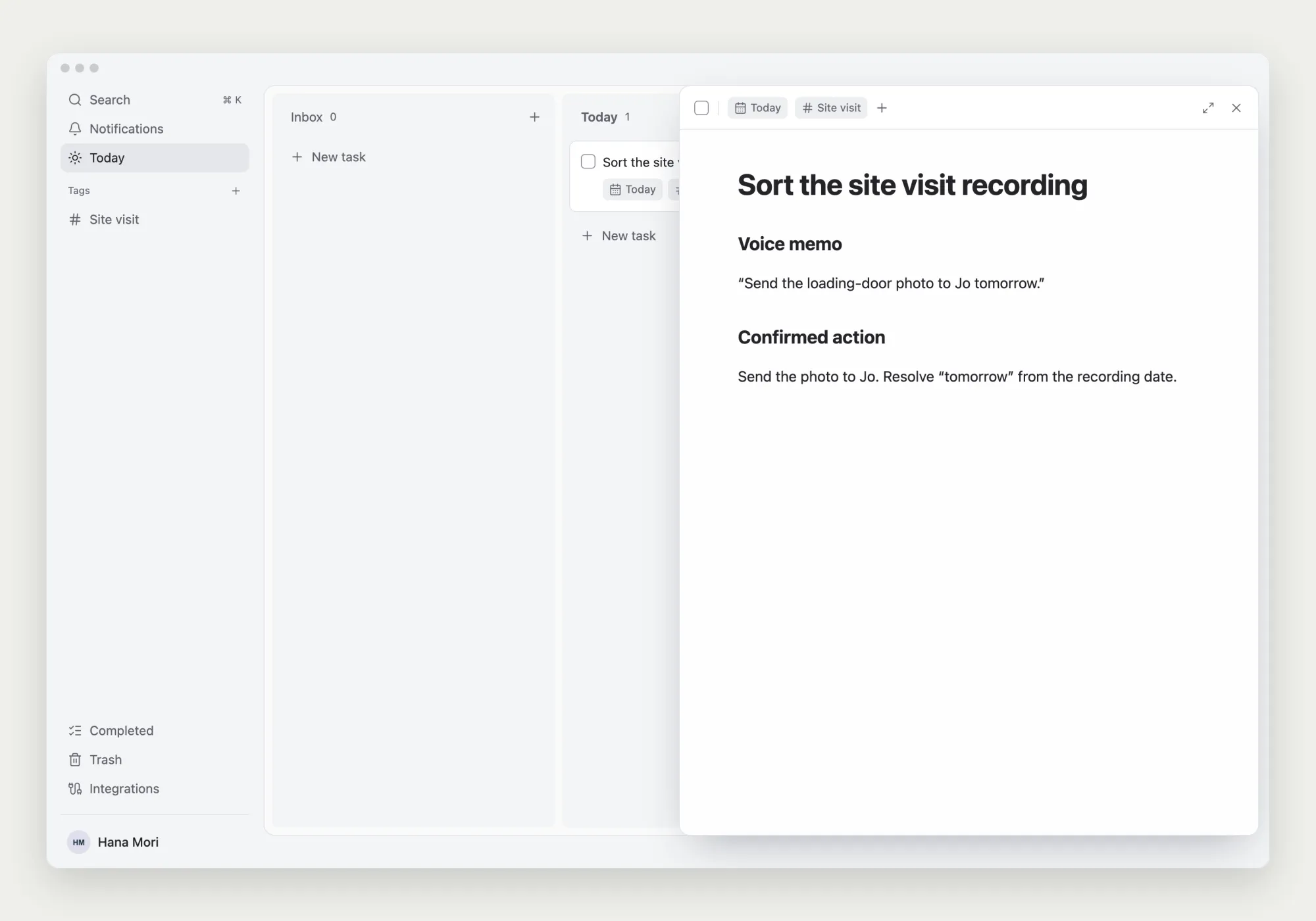
In TodoNote, give “Send the loading-door photo” a date once you know what “tomorrow” refers to. Keep the rough transcript in the visit note, and add the short quote and the recipient to the task.
Before sending, check whether “Jo” is clear from the recording or your project notes. When the person or date cannot be confirmed, add a question to the note.
Copy this prompt
Paste the transcript and recording date under the prompt. Review one line at a time and keep the actionable wording short.
Sort this transcript into confirmed actions, ideas to decide later, and background.
For each action, provide a verb-led title, a short source quote, and any explicitly stated recipient and deadline.
Use the recording date only to resolve clear relative dates. Leave uncertain fields blank and list questions to confirm.
Recording date:
Transcript:For this example, expect one action, one idea, and one reference fact. Check that the AI kept the eight o’clock opening under background.
Use the AI task context template when the finished task needs more than a title and date.