A decision meeting agenda should tell attendees which decision is due, which options are open, what to review in advance, and who owns the decision. Put the decision in the form of a question the group can answer by the end.
Write a choice people can reason about
Replace “Discuss customer portal launch” with “On Friday, do we launch to 20 pilot users or roll out to everyone?” Tell participants to consider user impact, rollback time, and the team's capacity to respond.
Name the decision owner before sending the invitation. If someone spots a missing fact that could change the choice, they can flag it while there is still time to get it.
Assign the pre-work
In TodoNote, create a meeting task and add the question, options, and links to the note. Make “Confirm rollback time” and “Prepare both audience estimates” subtasks, with a clear preparer and cutoff for each.
Include the same agenda and material in the invite so people can open them before the meeting. Ask each person to bring input that would affect the choice.
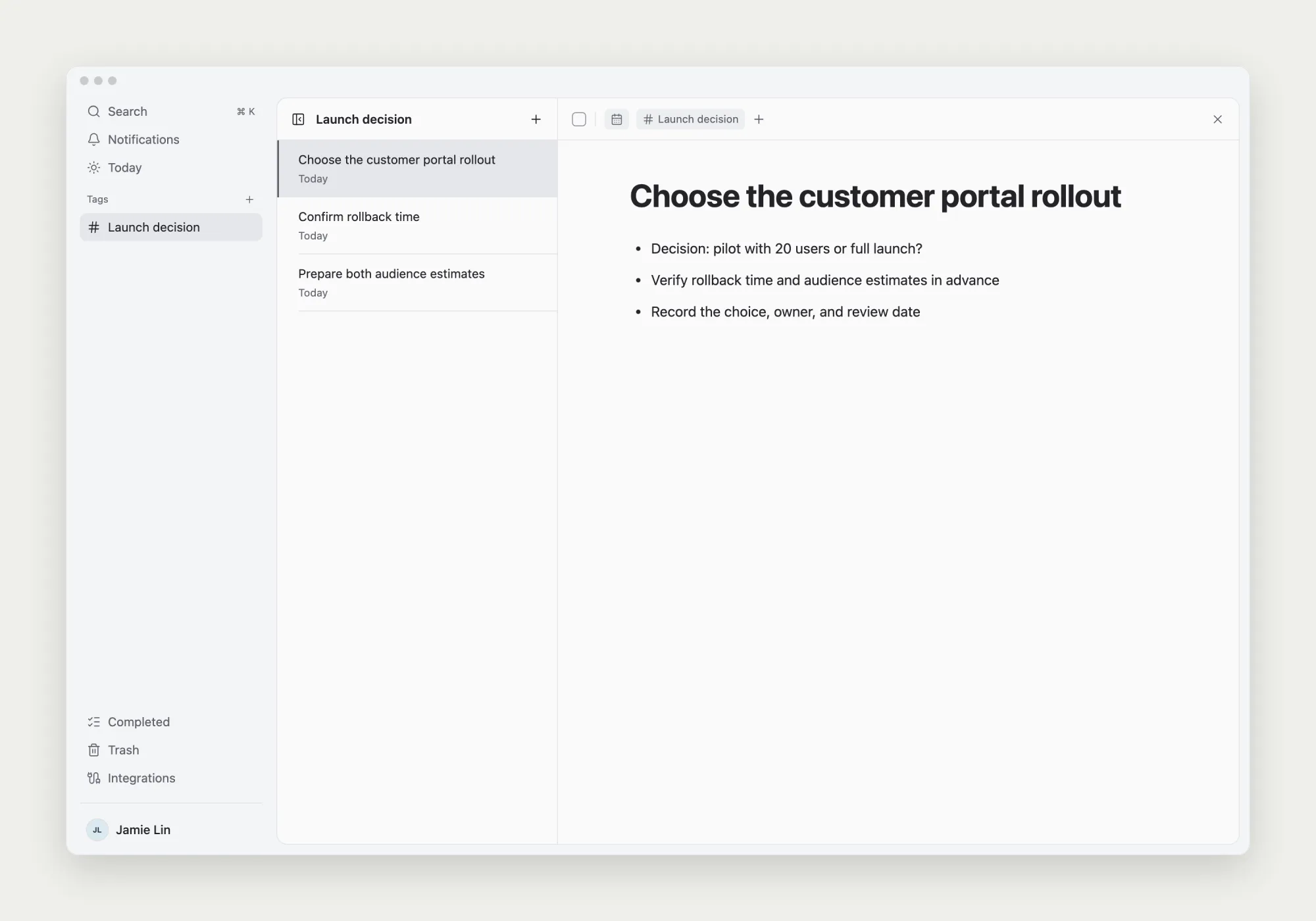
Use the final minutes to capture the outcome
Spend five minutes confirming the question, fifteen comparing options, five deciding, and five assigning the first actions. Record the choice, the reason, and who will do what by when.
If rollback time is still unknown and it changes the choice, assign the check and record the next decision time.
Keep the question visible in the outcome record so a future reader knows exactly which choice the group considered.
Copyable 30-minute decision meeting agenda
Decision to make:
When it must be made:
Options and criteria:
Decision owner:
Pre-read, preparer, and cutoff:
5 min: agree on the question and criteria.
15 min: compare options and risks.
5 min: decide or request specific evidence.
5 min: assign next steps and a review date.Related workflow · How to write a decision log that preserves the reasoning