Record the customer’s account, impact, case owner, next promised response, action taken, and reason for closure. Capture what the customer said separately from the team’s initial diagnosis.
What goes in a customer complaint log?
At intake, repeat back the affected delivery and ask when it is needed. If investigation takes time, give a clear time for the next update and leave the repair estimate open until you can verify it.
Track internal checks and customer updates as separate steps. Save the version sent and its verification result so the next person can tell which fix the customer received.
Example: replace an outdated price list
On Tuesday morning, a customer says they received an old price list and need to send it to stores that afternoon. The owner promises a replacement by 14:00 and asks a colleague to check the figures and cover version first.
Version 5 goes out at 13:35. At 13:50 the customer confirms it opens. Save the sent version and the confirmation before closing C-24. If the reply is still pending, put a date on the next follow-up.
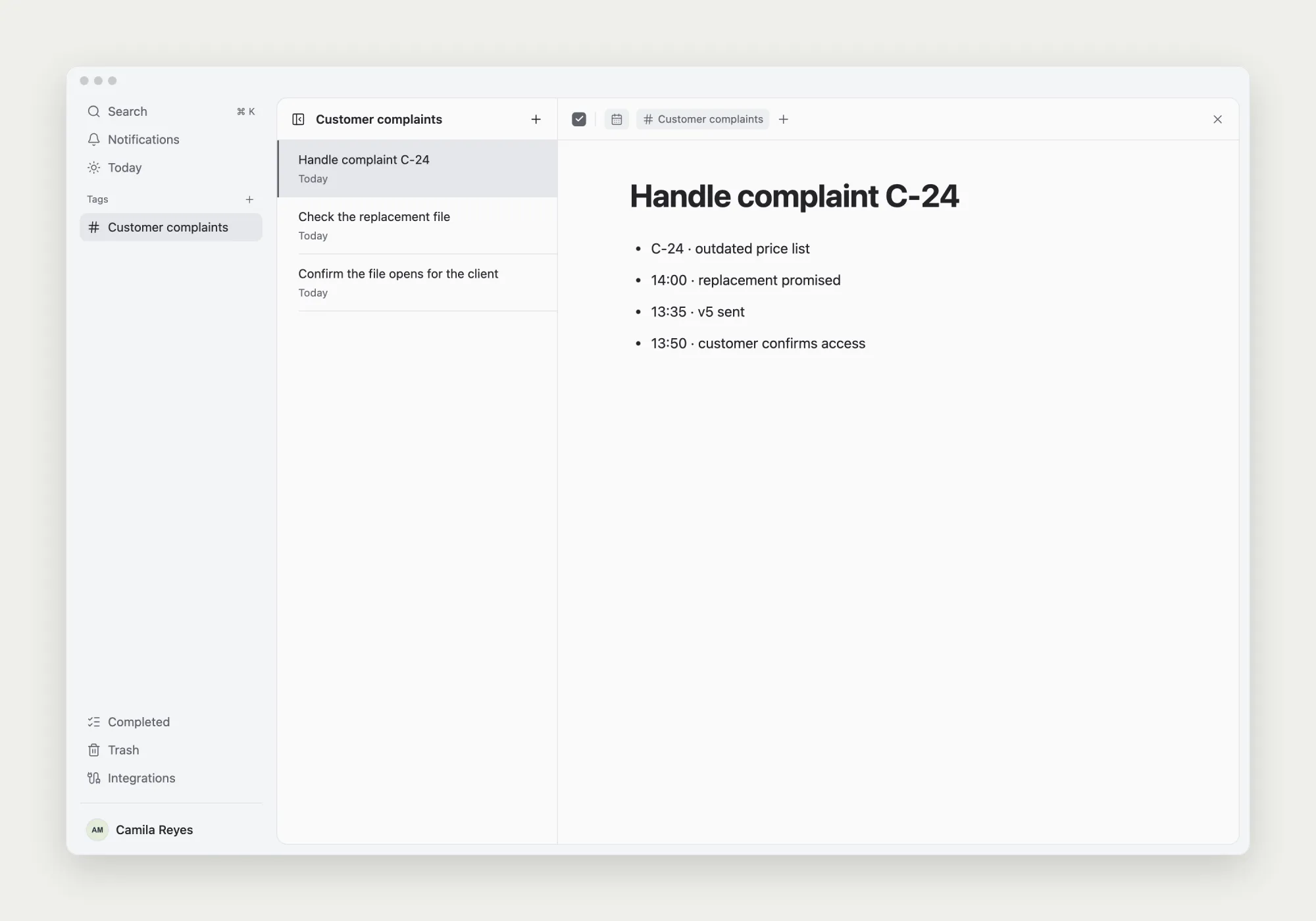
In TodoNote, keep the complaint, check result, and reply in the C-24 task note. Checking the file and confirming receipt are separate subtasks with their own completion states.
A monthly review can group cases involving delivery versions to uncover repeated causes. Each case keeps its original promise and closure evidence.
Copy the template
Document a complaint about an outdated file, the response promise, the fix, and the customer’s confirmation.
If the customer reports several issues at once, use one intake record and track the fix and verifier for each issue separately.
Case ID and intake time:
Customer’s words and impact:
Case owner:
Promised response time:
Action and verification:
Customer reply and file version:
Confirmation or reason for closure:
Remaining follow-up:For a related workflow, see Client commitment tracker template with a worked example.