Track what you promised, when it is due, when the client should hear from you next, and what proves delivery. Keep the original wording and add any newly agreed date with its source. That gives you a record to check when a deadline moves.
Capture the promise while the wording is fresh
A designer tells a client on a call that the revised pricing deck will arrive Thursday at 15:00. Write the promise in a task note and confirm it in the recap. Attach or link the recap so you can check whether the time and deliverable match.
The source figures are due Wednesday at noon. Set an internal check for that time and decide when you would send a status update if they are still missing, such as Wednesday at 14:00. Make any date you have promised the client visible in the task.
Keep a record when the plan changes
If the figures arrive late, send the status update with a proposed Friday 11:00 delivery time. Keep Thursday as the original commitment and record Friday as a proposed date until the client agrees. After acceptance, mark Friday as the current deadline and link the message.
In TodoNote, start with the deck as one task. Keep the original and updated agreements in its note, and schedule separate subtasks for checking figures and sending the update. Each action now has its own date.
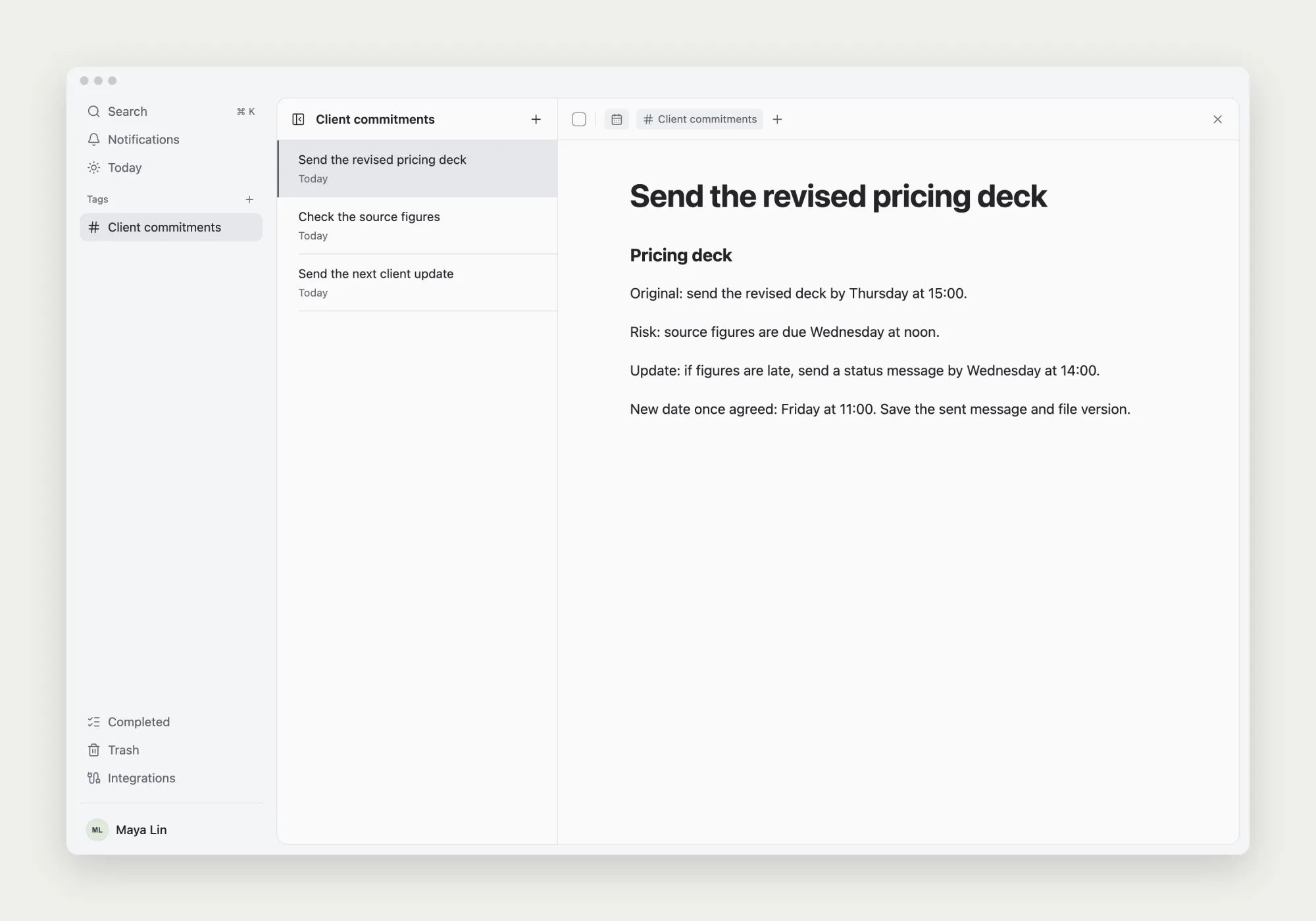
Close the commitment with evidence
When you send the deck, record the date, message link or receipt, and file version. If the client also expects approval by a certain date, track it as a follow-up with its own end condition.
On Friday morning, scan upcoming commitments by deadline. Where an item is at risk, check whether the next client update is scheduled early enough for the client to respond.
Use one record per promised outcome. Two promised files with different due dates deserve two visible deadlines even when they came from the same meeting.
Copyable client commitment tracker
Client and deliverable:
Original promise and source:
Current agreed deadline and time zone:
Dependency and internal check:
Next update to client:
Proposed or agreed change and source:
Delivery timestamp, version and evidence:When you need to tell the client a date has slipped, use Project delay notification template.