Not necessarily. If a note still belongs to the work it describes, it can stay in the original task. Make it easy to find first. Create a separate knowledge-base document when the material needs ongoing maintenance or must be read independently of that task.
Completing a task ends this round of work. Its checklist, references, and results may still help with the next one. Where to keep them depends on how they will be used.
Solve retrieval before copying the note
Copying a note elsewhere can leave two records to maintain and two possible versions to find. If retrieval is the only problem, a reliable path back to the original may be enough.
Use a clear task title and a topic tag such as “Site launches.” A project tag identifies one piece of work; a topic tag gathers similar records across projects.
Example: open the task, then find it after completion
Schedule “Check the updated download page” and keep its checks inside its note. The following views follow that same task.
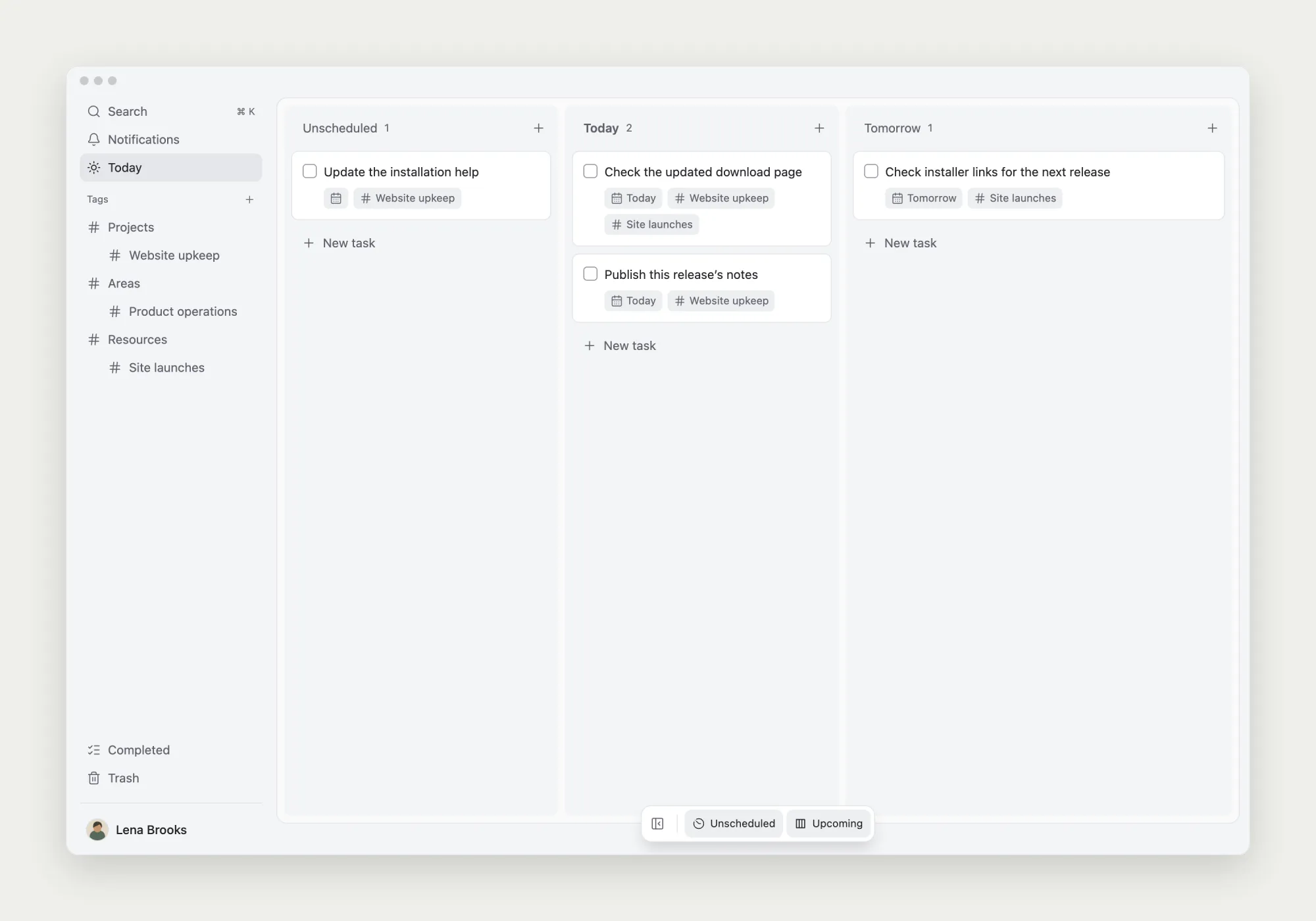
Find the task on the board
In Today, find the download-page check alongside publishing release notes. Its site launch tag stays with the task.
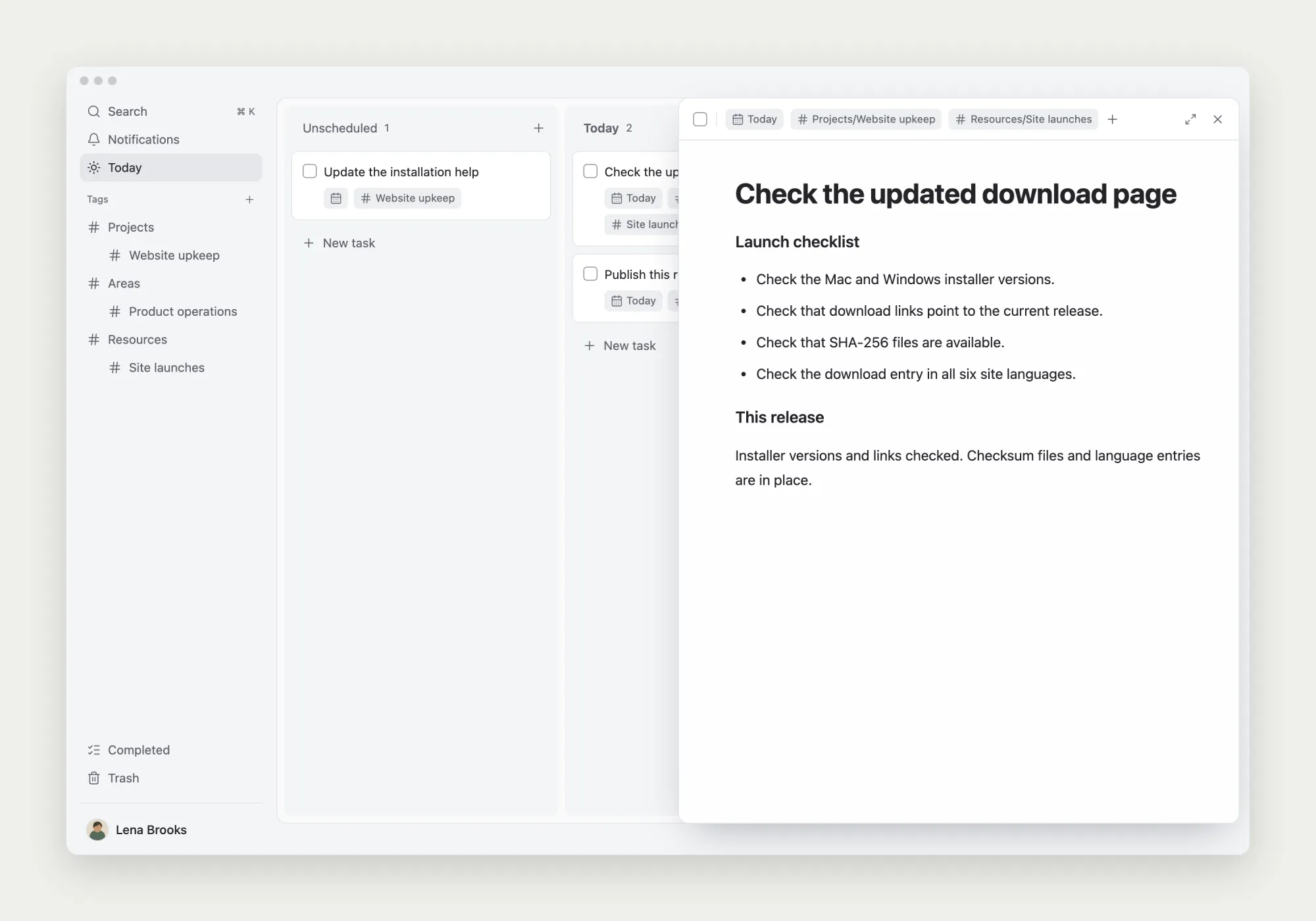
Open the task’s note
Click the title to open the checklist for installer versions, download targets, checksums, and language entries. Add this release’s result to the same note.
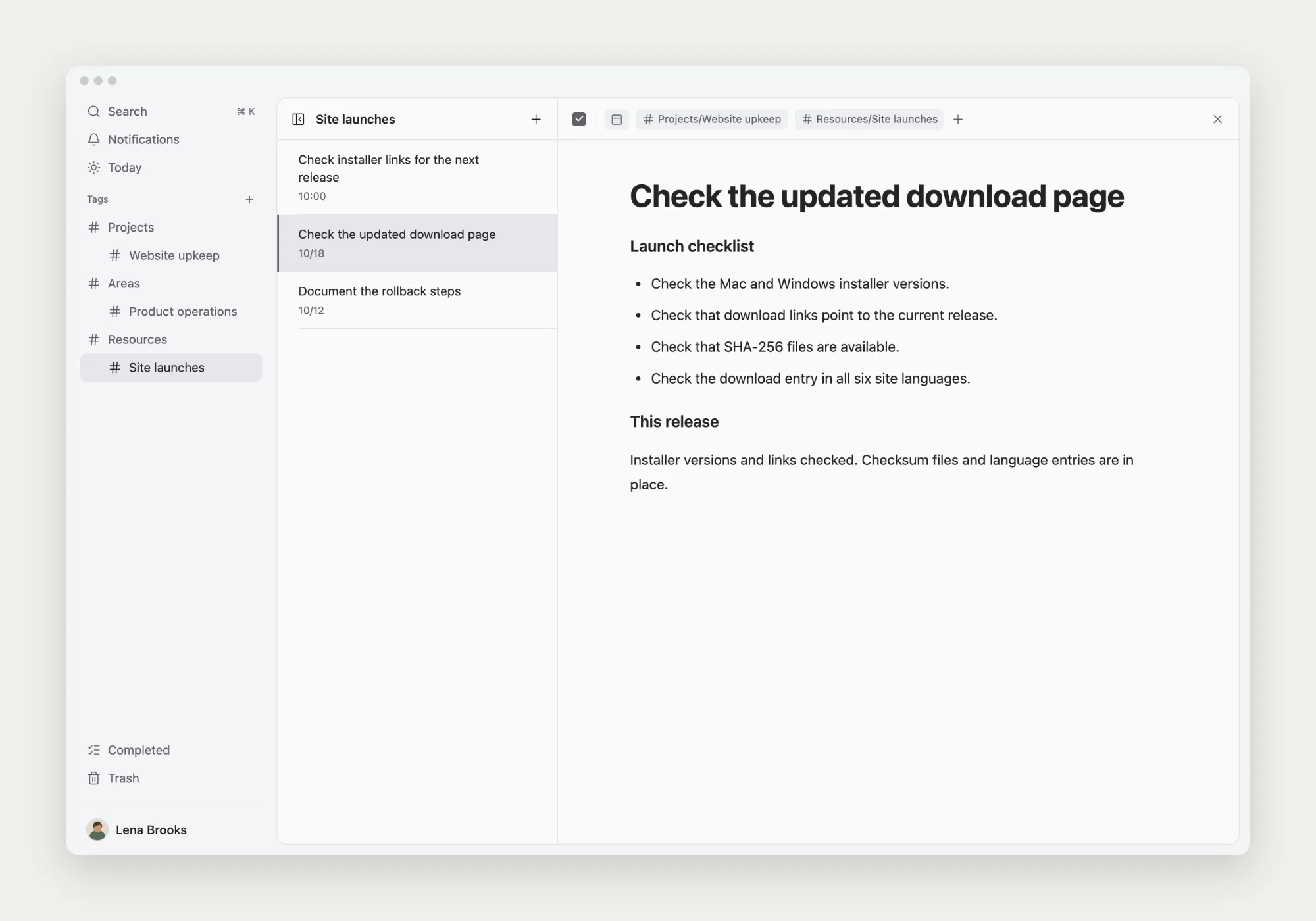
Complete it and return through the tag
After checking the page, complete the task. Later, open “Site launches” and select that completed task. The checklist and result remain in the original record.
Reuse the checklist without moving the old record
For the next release, find the completed task by topic and copy the relevant checks into a new task. Update versions and links, remove checks that no longer apply, then perform them again.
The old task keeps the previous result; the new task records the current work. You can inspect either release without mixing their histories.
When is a separate document useful?
If the checklist becomes a shared launch standard across projects, needs continuous maintenance, or must work without the original task, give it its own document. Keep common steps there and release-specific results in each task.
Completion itself does not need to trigger a note-moving routine. Keep useful records findable and usable, and separate them when their use calls for it.