To organize a reading list, schedule the items that answer a current question. Keep the rest by topic when there is a plausible use for them. Remove outdated and duplicate items so the list is easier to scan.
Make decisions on six bookmarks
Start with an industry report, a metric explainer, an interview, a tutorial, an expired event page, and a duplicate. For this week's brief, the report has the sampling information and the explainer clarifies a definition, so those two get reading time.
Keep the interview under User research and the tutorial under Research tools if those topics match how you will look for them. Remove the expired event page and the duplicate.
Replace “read this” with a question
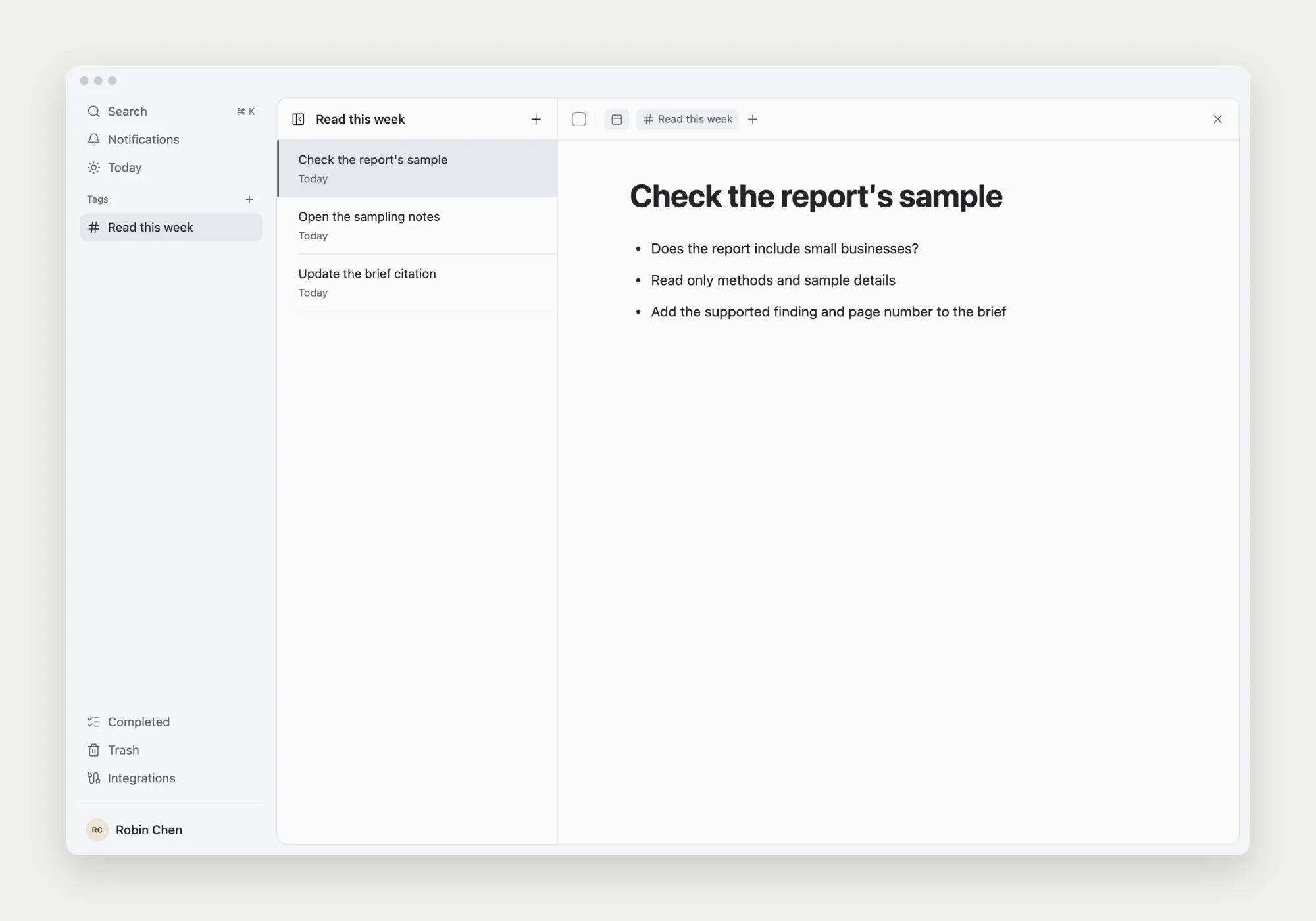
Change “Read the industry report” to “Check whether the sample includes small businesses.” Read the methodology and sampling sections, then add the answer and page number to the brief.
In TodoNote, put the source and question in a task note. Set a start date for work you want to do this week. Use topic tags for material you expect to retrieve by subject.
Do a quick review after a week
Check which reading items produced something useful and which pending items still affect active work. Return items to topic references or remove them when the question has changed.
When two references answer the same question, keep the one you can cite or reuse more easily.
Add one sentence of intent when saving the next link. That makes the next pass a set of decisions you can make without reopening every tab.
Copyable reading list triage
Title and link:
Why I saved it:
Question it could answer:
Section I need to read:
Project or topic:
Schedule, keep as reference, or remove:
If scheduled, date and expected result:Related workflow · How to Use Reading Notes: Turn One Idea into a Practical Trial